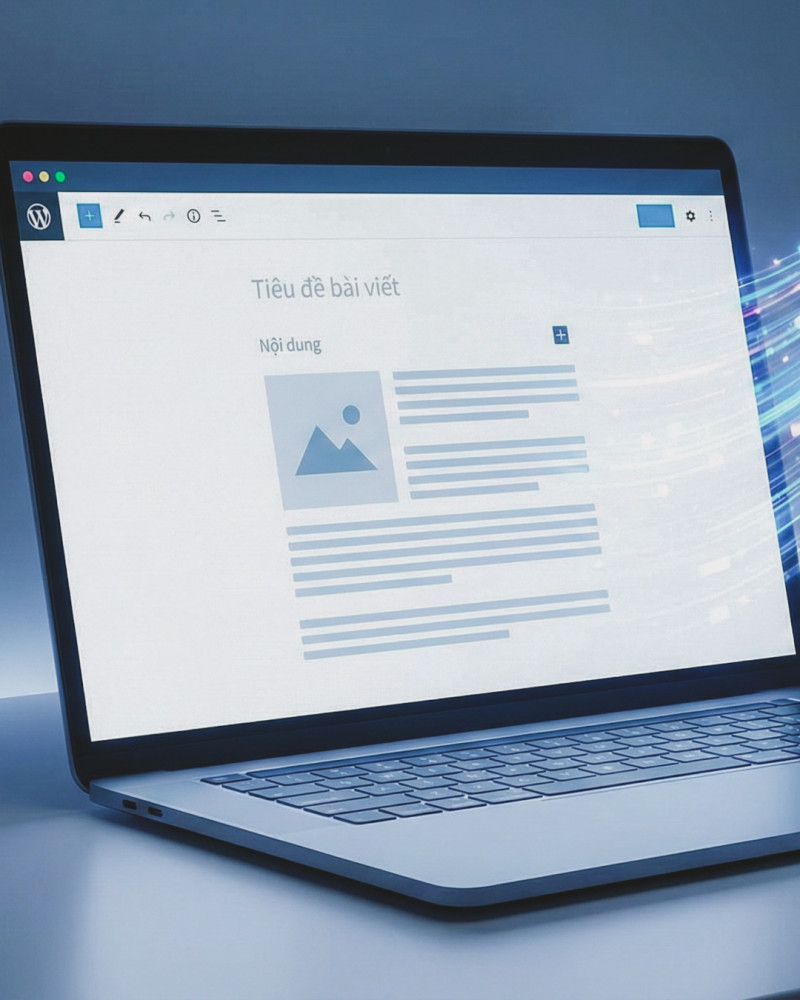
How to Create a Low-Cost or Free Website
You don’t need a big budget or technical skills to create a professional website. With today’s tools, you can build a clean, functional site for free—or at very low cost.
Here’s how to do it step by step.
1. Decide the Purpose of Your Website
Before building anything, be clear about what you need:
Personal portfolio
Small business website
Blog or content site
Landing page for services
Knowing the goal helps you choose the right platform and features.
2. Use a Free Website Builder (No Coding Needed)
Website builders are the easiest and cheapest option.
Popular free options:
Wix – Drag-and-drop, beginner-friendly
WordPress.com – Great for blogs and content
Google Sites – Very simple, fully free
Weebly – Easy setup for small sites
⚠️ Free plans usually include platform branding and a subdomain (e.g., yoursite.wixsite.com).
3. Choose a Free Template
Most builders offer professional templates:
Mobile-responsive
Customizable layouts
Pre-designed sections (About, Services, Contact)
Start with a clean design—simplicity looks more professional.
4. Use Free Hosting and Subdomain
Free website builders include:
Hosting (no server setup)
A free subdomain
Basic security (HTTPS)
This keeps your cost at $0 to start.
5. Add Essential Pages Only
Keep it simple:
Home
About
Services or Portfolio
Contact
Fewer pages = easier maintenance and better clarity.
6. Upgrade for a Low Cost (Optional but Recommended)
If you want a custom domain (e.g., yourbusiness.com), costs are minimal:
Domain name: ~$10–15/year
Basic hosting (if not using a builder): ~$3–5/month
Low-cost options:
WordPress.org + low-cost hosting
Carrd (great for one-page sites)
Notion + Super (for content sites)
7. Use Free Tools for Content & Design
Save money with free tools:
Canva – Graphics and images
Unsplash / Pexels – Free stock photos
Google Docs – Write content
Grammarly (free) – Basic proofreading
8. Optimize for Mobile and Speed
Most visitors use mobile devices:
Use simple layouts
Avoid heavy animations
Test on your phone before publishing
Fast, clean sites perform better.
Final Thoughts
Creating a website doesn’t have to be expensive. You can launch a clean, functional site for free, then upgrade only when your needs grow.
Start small. Focus on clarity. Improve over time.